
Jewelry Product Photo Prompts
Copy jewelry product photo prompts for rings, necklaces, earrings, luxury flat lays, macro detail shots, and ecommerce listing images.
Jun 30, 2026
Jewelry product photo prompts
Jewelry prompts need controlled reflections, accurate metal color, visible stones, and enough negative space for ecommerce layouts. The product should feel premium without losing scale or material detail.
Use the Product Photo Prompts generator to customize these prompts for your own product.
Prompt formula
Create a [aspect ratio] jewelry product photo. Product: [piece]. Material: [metal and stone]. Audience: [buyer]. Style: [brand style]. Scene: [surface and props]. Lighting: [lighting]. Camera angle: [angle]. Preserve gemstone cut, metal finish, prong detail, scale, and realistic reflections.Sample result previews
Luxury ring macro
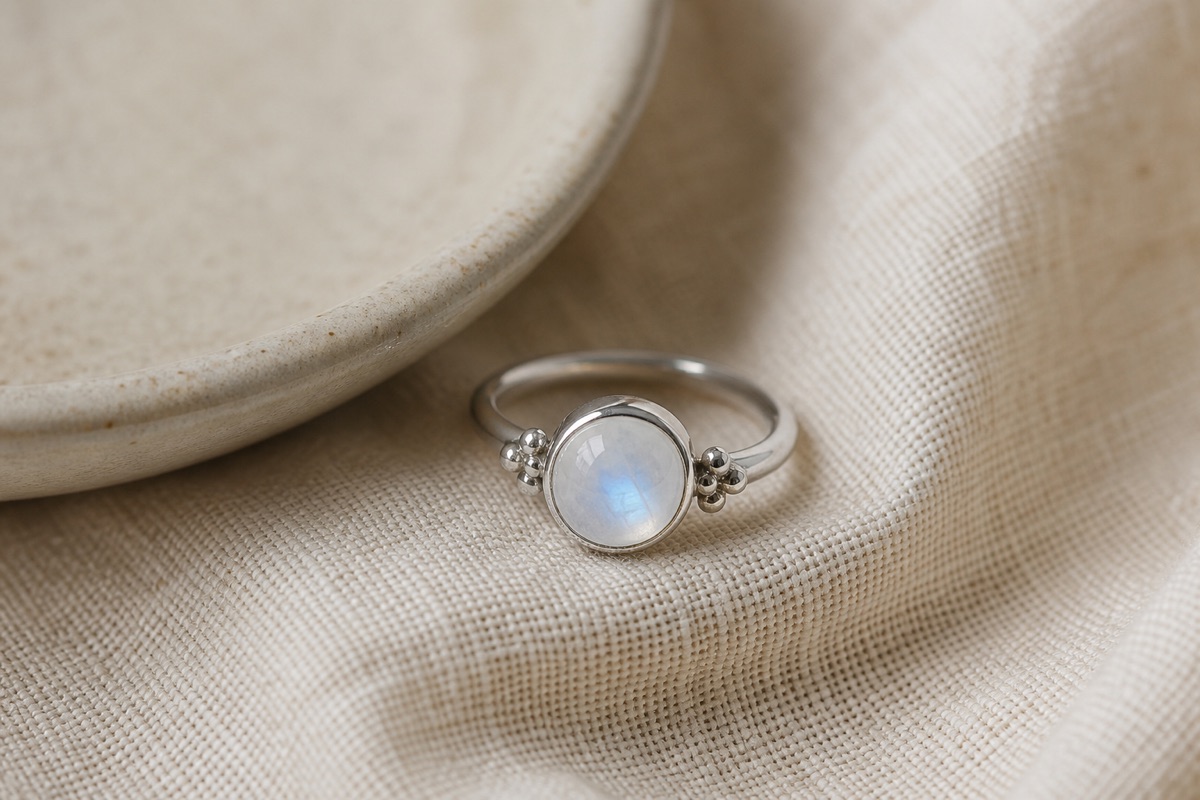
Create a 4:5 luxury jewelry product photo. Product: silver moonstone ring. Scene: dark velvet surface with soft reflection. Lighting: controlled studio light with small highlights. Preserve stone translucency, silver finish, prongs, and ring scale.Gift-ready flat lay
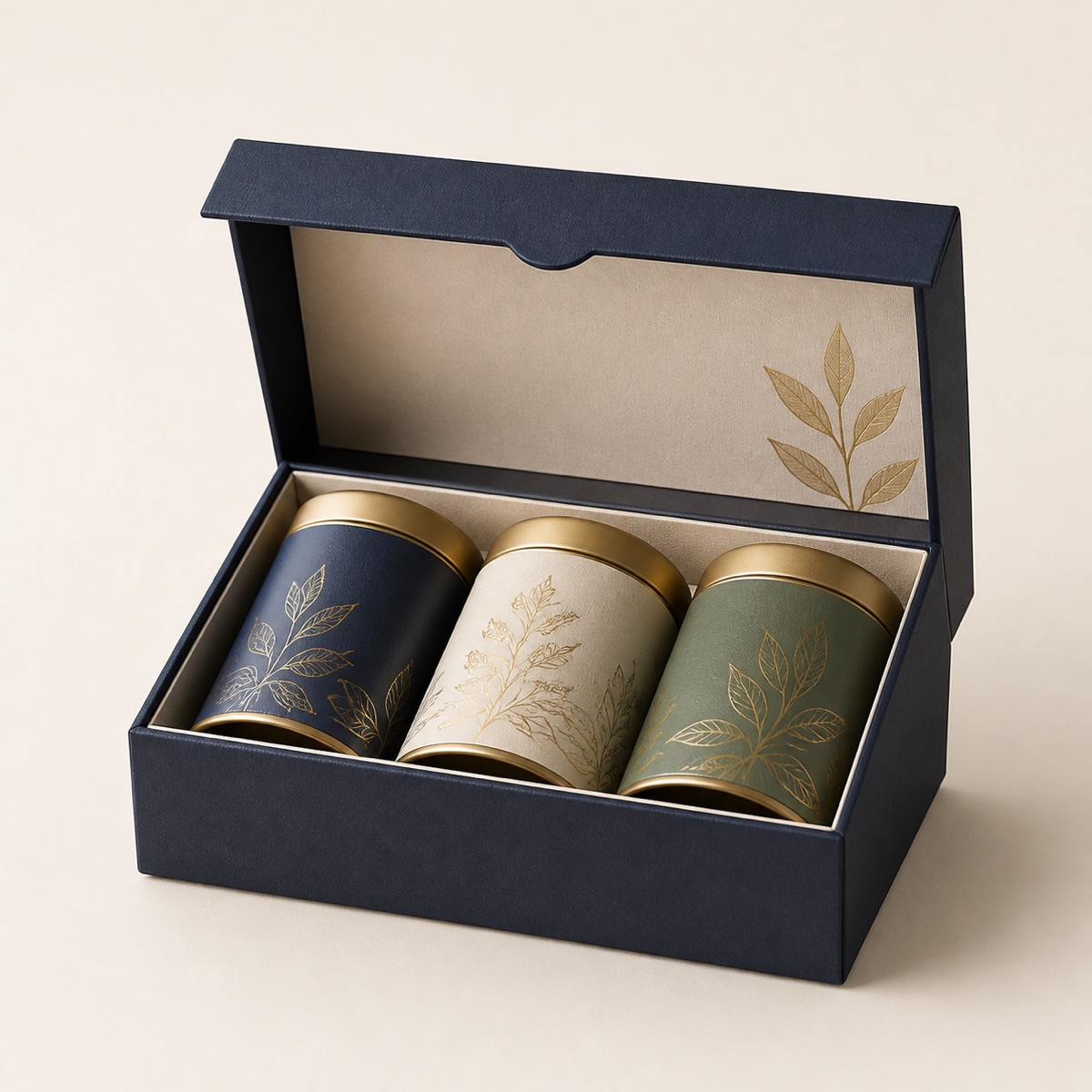
Create a 1:1 premium gift-style flat lay for a delicate necklace box. Scene: warm neutral paper, silk ribbon, and subtle shadow. Preserve product packaging, chain detail, clasp, and realistic scale.10 Jewelry product photo prompts
1. Macro ring hero
Create a 4:5 macro jewelry product photo. Product: oval sapphire ring in 14k gold. Audience: engagement ring buyers. Style: luxury ecommerce. Scene: dark slate surface with faint reflection. Lighting: small controlled softbox highlights. Camera angle: low three-quarter macro. Preserve stone facets, prongs, gold color, and realistic scale.2. Necklace flat lay
Create a 1:1 jewelry flat lay. Product: minimal gold pendant necklace. Audience: gift buyers. Style: clean premium boutique. Scene: off-white linen with a small jewelry card. Lighting: soft window light. Camera angle: top-down. Preserve chain curve, clasp detail, pendant shape, and metal shine.3. Earring pair listing
Create a 1:1 ecommerce listing photo. Product: pearl drop earrings. Audience: bridal shoppers. Style: elegant marketplace. Scene: pure white background with natural contact shadow. Lighting: even studio light. Camera angle: straight-on. Preserve pearl texture, pair symmetry, metal hooks, and scale.4. Bracelet lifestyle
Create a 4:5 lifestyle jewelry product image. Product: thin silver tennis bracelet. Audience: everyday luxury buyers. Style: modern editorial. Scene: marble tray beside a perfume bottle. Lighting: diffused morning light. Camera angle: close three-quarter angle. Preserve stone spacing, clasp detail, and reflective silver finish.5. Watch accessory shot
Create a 16:9 premium accessory hero image. Product: rose gold jewelry watch. Audience: fashion gift buyers. Style: polished DTC brand. Scene: warm beige studio sweep. Lighting: softbox with rim highlight. Camera angle: three-quarter front. Preserve dial marks, bracelet links, case color, and realistic shadows.6. Gemstone detail
Create a 4:5 product detail photo. Product: emerald pendant. Audience: luxury jewelry shoppers. Style: macro editorial. Scene: deep green silk fabric. Lighting: narrow controlled highlights. Camera angle: macro side angle. Preserve gemstone color, facets, metal setting, and chain texture.7. Stacking rings
Create a 1:1 jewelry product photo. Product: set of three stacking rings. Audience: minimalist shoppers. Style: clean modern ecommerce. Scene: matte ceramic tile. Lighting: soft overhead studio light. Camera angle: slightly elevated. Preserve each ring profile, metal color differences, and scale.8. Packaging reveal
Create a 4:5 unboxing product photo. Product: gold bracelet in a premium jewelry box. Audience: gift buyers. Style: luxury gift ecommerce. Scene: open velvet-lined box on neutral table. Lighting: warm soft studio light. Camera angle: front three-quarter. Preserve packaging texture, bracelet curve, clasp, and realistic shadows.9. Marketplace white background
Create a 1:1 marketplace-compliant jewelry photo. Product: silver hoop earrings. Audience: Amazon jewelry shoppers. Style: clean catalog. Scene: pure white background. Lighting: even studio light with minimal shadow. Camera angle: front. Preserve hoop roundness, metal finish, hinge detail, and pair alignment.10. Ad creative
Create a 4:5 jewelry ad visual. Product: moonstone ring. Audience: boutique shoppers. Style: dreamy premium brand. Scene: soft neutral fabric with subtle sparkle bokeh. Lighting: gentle directional glow. Camera angle: macro three-quarter. Preserve ring shape, stone translucency, and realistic reflection.Related prompt pages
- Shopify product photo prompts
- Amazon product photo prompts
- GPT Image 2 product photo prompts
- White background product photo prompts
- Lifestyle product photo prompts
FAQ
What should this prompt include?
Include the product, buyer, platform, visual style, scene, lighting, camera angle, and the exact details the image model must preserve.
Should I use props?
Use props only when they support the product story. For marketplace main images, keep the background clean and avoid distracting props.
Can I use these prompts for GPT Image 2, Nano Banana, and Gemini?
Yes. The structure works across image models. For editing workflows, add a stronger preservation instruction for shape, label, color, and material.